This case study is about Storyboarder, a web desktop app that helps test story ideas by providing intuitive and powerful tools for webcomic creation, with The Evenstar's support in platform development.
Foundational moment
Let's start with the context and circumstances when it all began. We go back to 2022, at the very beginning of the COVID-19 pandemic lockdowns. While some saw restrictions, Wonder Unit studio found an opportunity to go online with digital webcomic creation. The experience gained in movie production and market research led to the idea for the Storyboarder web desktop app.
The findings the "Webcomics Global Market Report 2024" indicate that the webcomics market is set to rise from a noteworthy value of $8.63 billion in 2023 to an estimated $9.21 billion in 2024. An anticipated market size growth to $11.72 billion by 2028 with a CAGR of 6.2%, powered by mobile-friendly formats and interactive storytelling.
Numbers speak for themselves: Over 650,000 users have used Storyboarder to create webcomics. The Storyboarder platform empowers users to easily produce, share, and monetize webcomics and digital content, enabling anyone to become a creator and entrepreneur, regardless of their artistic background. A powerful set of 3D editor tools allows for the creation of both basic and advanced animations, addressing the growing demand from creative authors. Last but not least, the Storyboarder web app is free software and easy to download here.
The Evenstar joined the project to support the development of specific features — particularly within the 3D scene editor and asset tools.
How does the App look, and what can do 3D Editor?
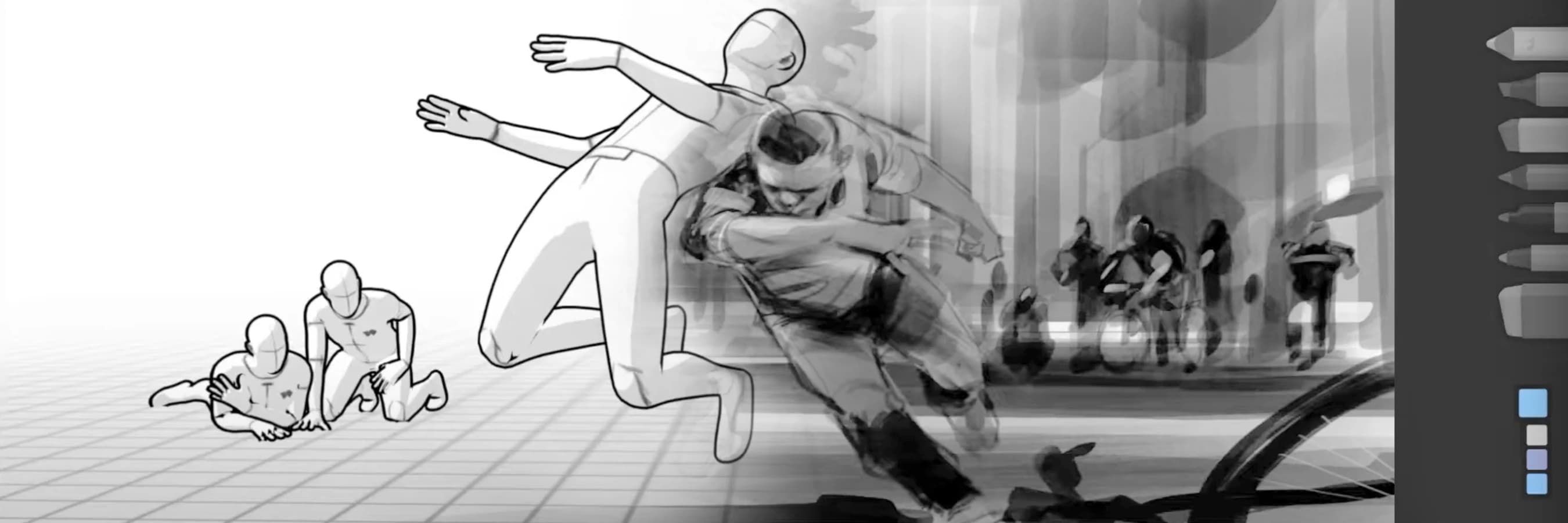
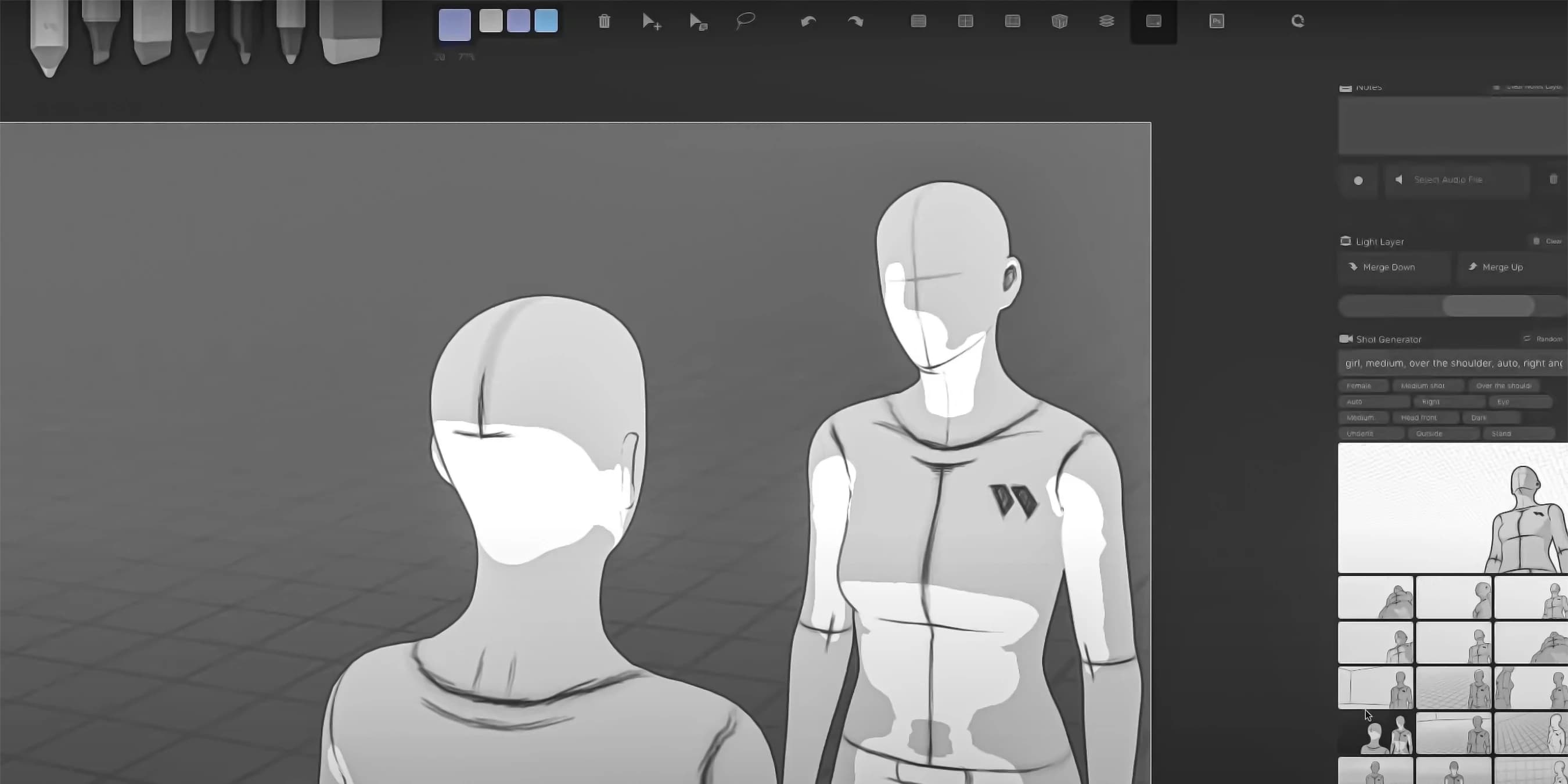
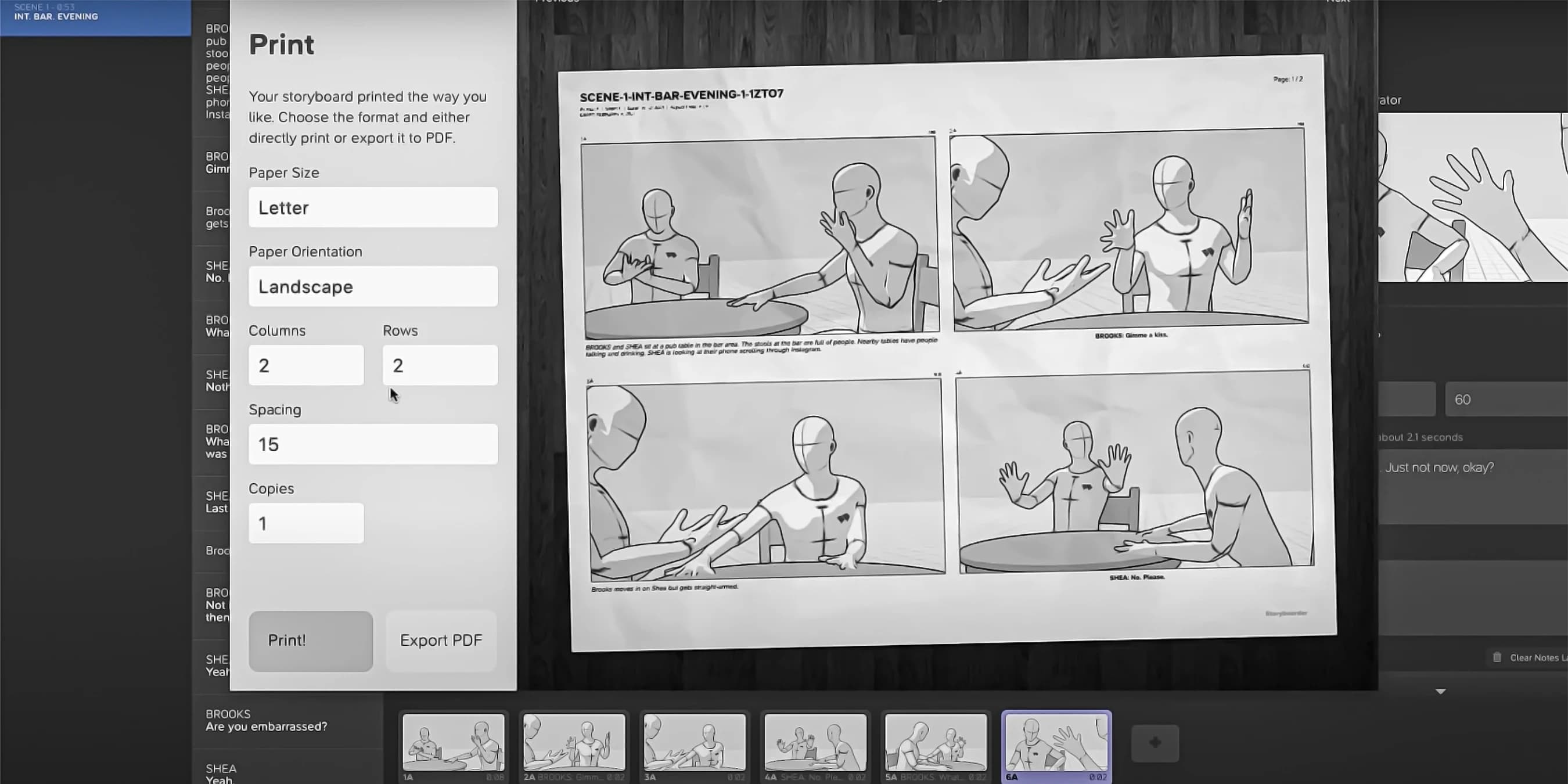
The interface of Storyboarder is designed to allow users to easily arrange frames, characters, backgrounds, and dialogue within a single project, simplifying the process of planning webcomics and storytelling. Compared to Photoshop, where the main focus is on image editing and graphic design, not script creation or scene composition planning. Its interface is less specialized for creating sequences of frames or animations. This led to the decision to develop and incorporate a 3D editor, specifically tailored to streamline the storytelling process and enhance flexibility.
Imagine a tool where you don’t need to be a professional artist to bring your story to life. You start with a basic idea — maybe a storyline, a few characters in your head, or even rough sketches. The system helps you shape this into story frames: it supports you in structuring the narrative, defining scenes, and outlining key moments.
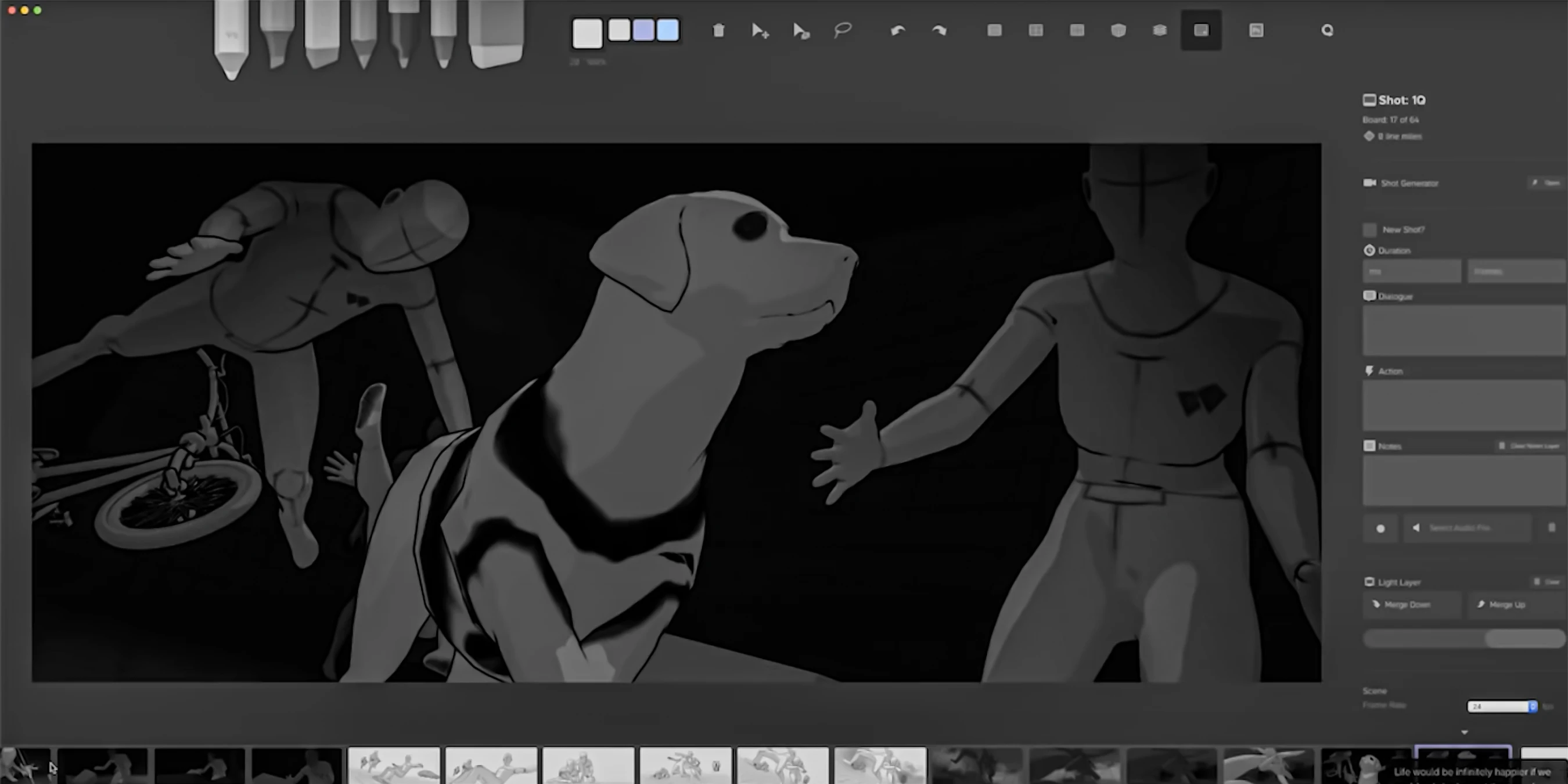
Then, using a built-in 3D editor, you can easily transform those frames into fully visualized scenes. You choose or create characters, place them in environments, set their movements, emotions, and interactions — all without the need to draw. The program turns your story from 2D outlines into 3D animations, almost like directing your own short film or game sequence.
Whether you’re building a game, a cinematic scene, or just testing a narrative idea, this tool becomes your creative assistant — helping you focus on storytelling while it takes care of the visual and technical details. The entire system and functions have been developed from scratch to meet the personalized needs of comic creators:

The core platform that enables the user to design, edit, and manipulate 3D scenes and assets for webcomics or animations.
Allows users to draw or adjust 2D images directly within a 3D space, using the power of the Three.js library. This provides more control and depth in the creative process.
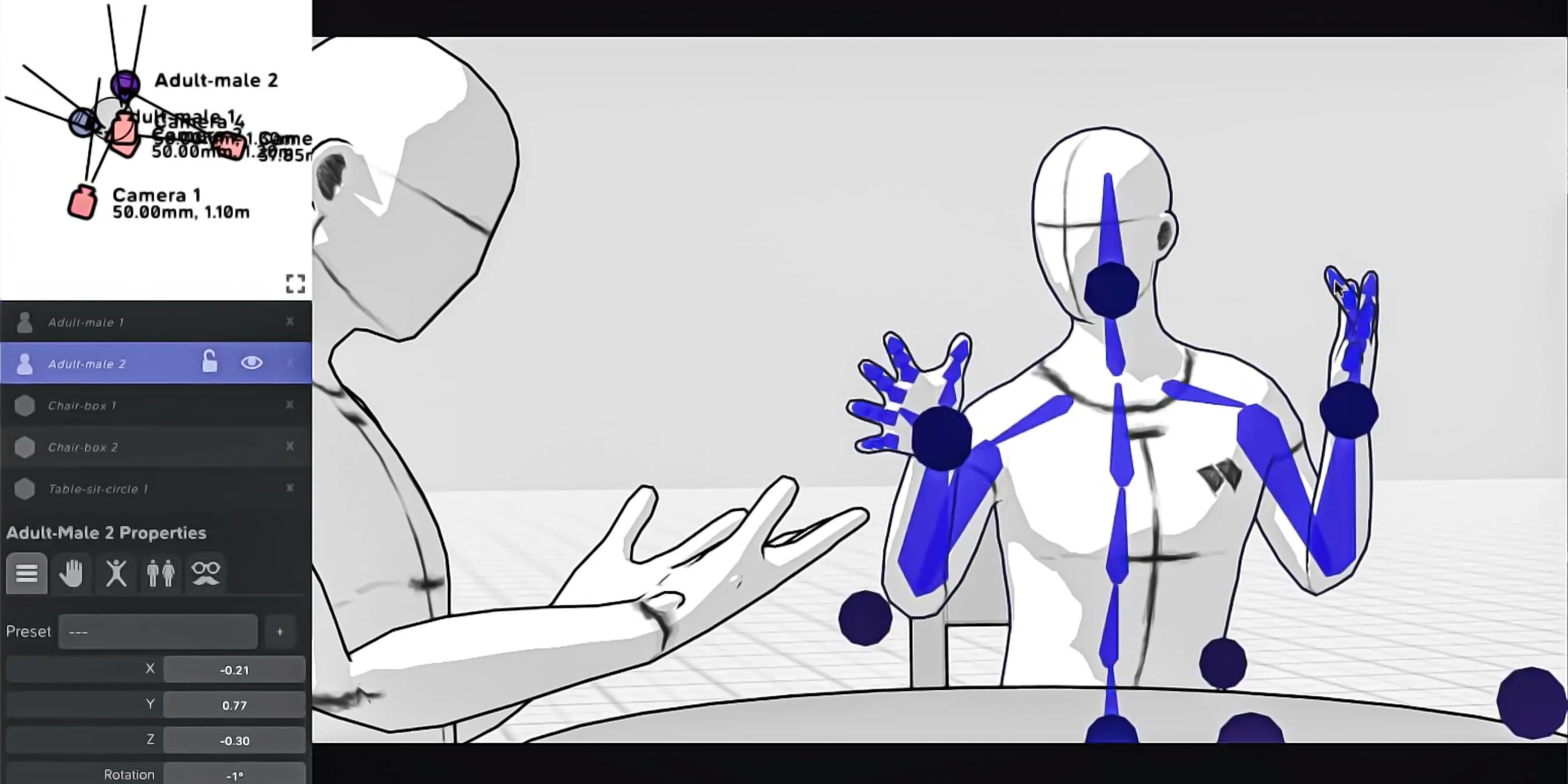
Tools that allow users to move, rotate, and scale objects within the 3D scene to adjust the layout and composition.
Allows users to change the appearance of objects in the scene, like adjusting textures, colors, and finishes (e.g., making an object look shiny or matte).
Tools that help customize the environment of the scene, such as adjusting the background, lighting, or atmosphere of the 3D world.
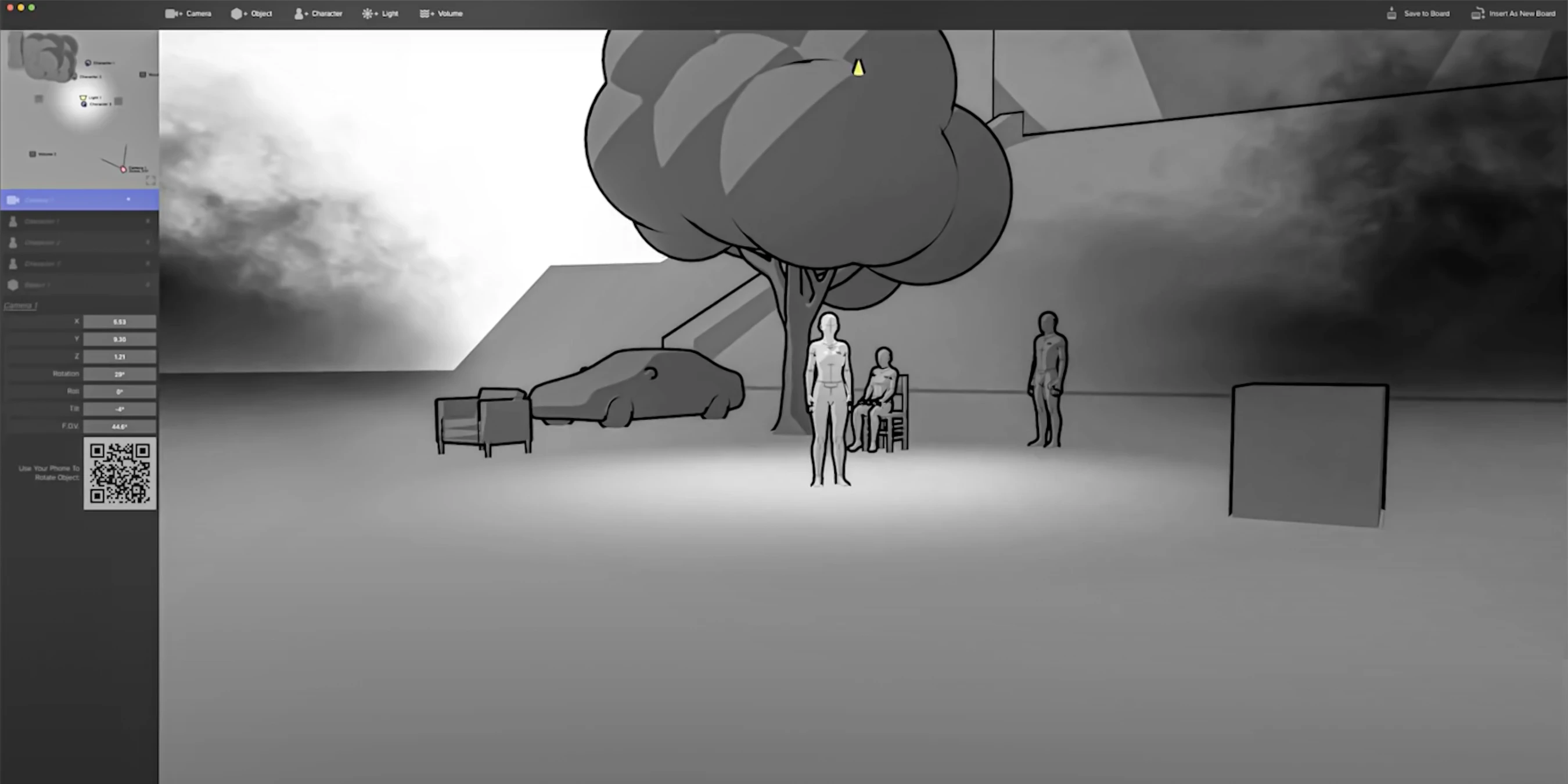
A rendering technique that produces realistic lighting and shadow effects, making the 3D scene look more natural and visually appealing.
Enables users to adjust or select different character poses to fit their scene, adding more flexibility and expression to the characters.
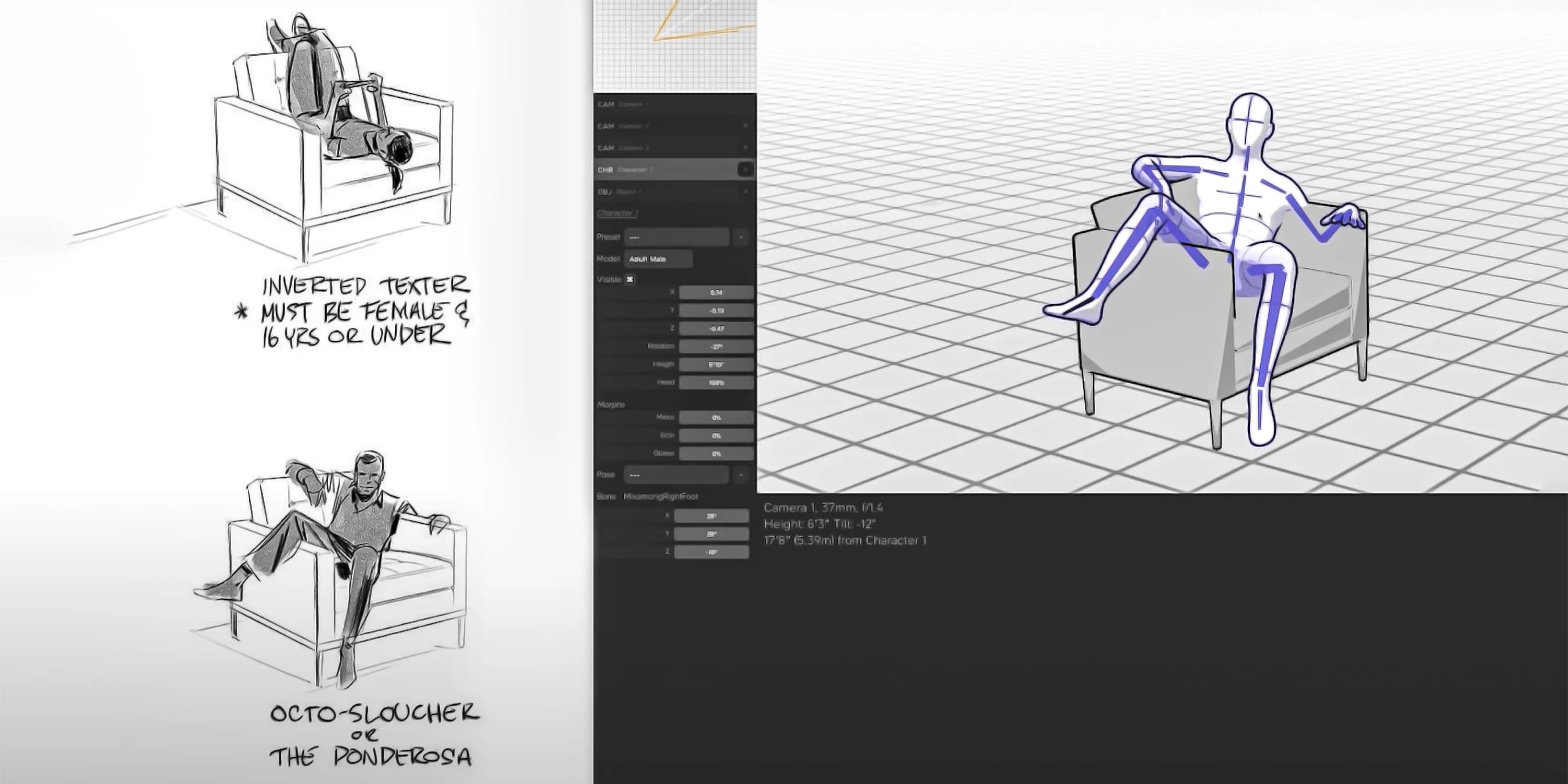
A collection of reusable assets (characters, props, backgrounds, etc.) that can be used across multiple scenes, making the design process faster and easier.
Offers various brush styles to match the creator’s preferred artistic technique, whether for sketching, painting, or detailing. Brush Tools allow users to customize the brushes with control over size, opacity, and pressure sensitivity. The Erase Brush enables users to remove or adjust parts of the scene, while the Fill Tool quickly adds color or texture to areas, streamlining the creative process.
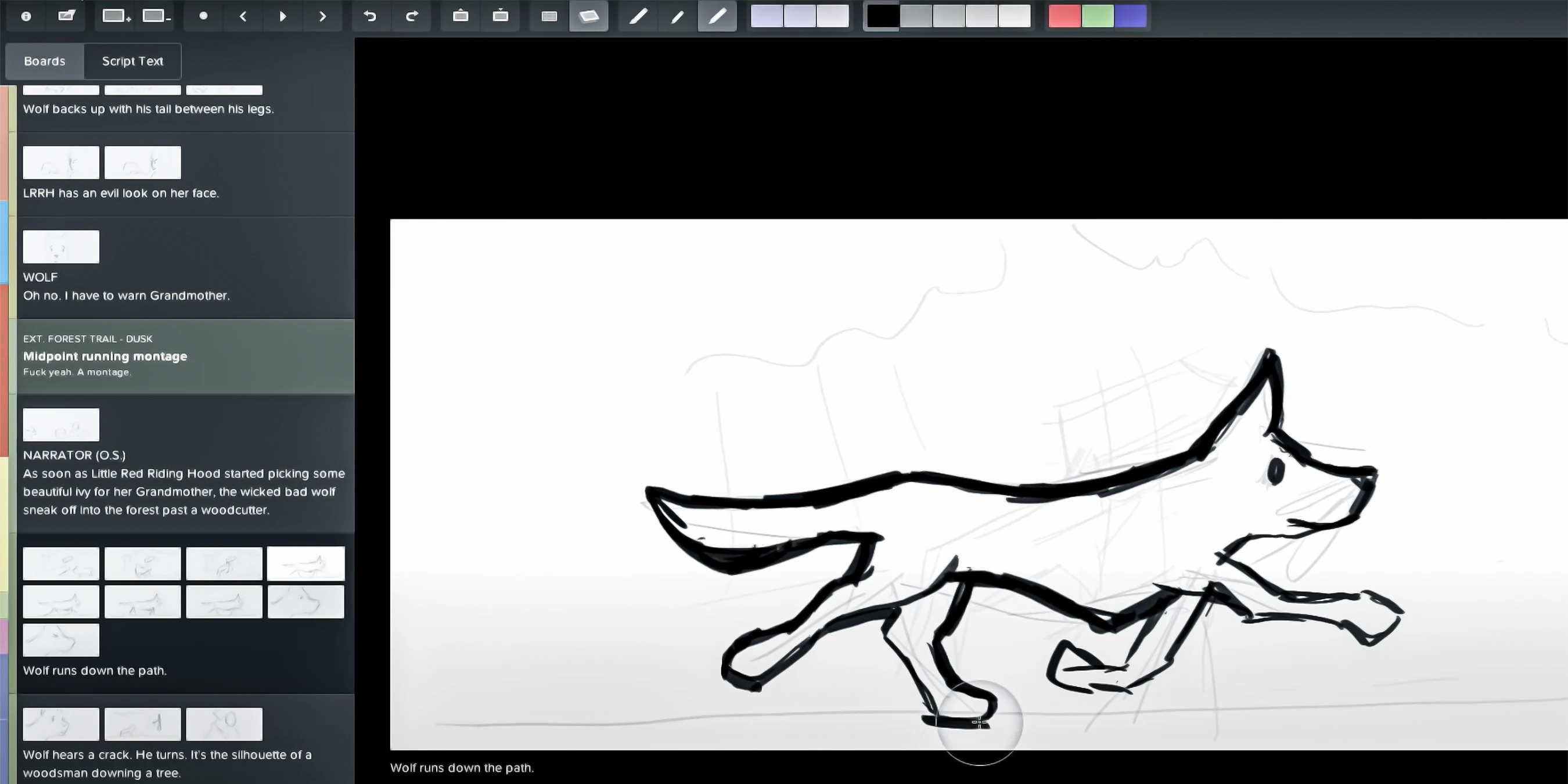
Similar to layers in other graphic design programs, this system allows users to separate different elements of a scene (like characters, backgrounds, or effects) into individual layers for easier manipulation. The Assets Marketplace allows users to buy or sell assets (such as 3D models, textures, or characters) to enhance their projects, while Stickers provide small graphic elements or effects, like emojis or icons, to add detail or decoration to scenes or characters.
Allows users to move objects simultaneously along parallel axes while maintaining their relative positions and Lasso Tool Enables users to make freeform selections by drawing around parts of the scene, ideal for complex shapes.
Allows users to share their works or achievements directly from the platform. This may include posting to platforms like Facebook, Instagram, or Twitter to share created scenes, artworks, or animations with other users.
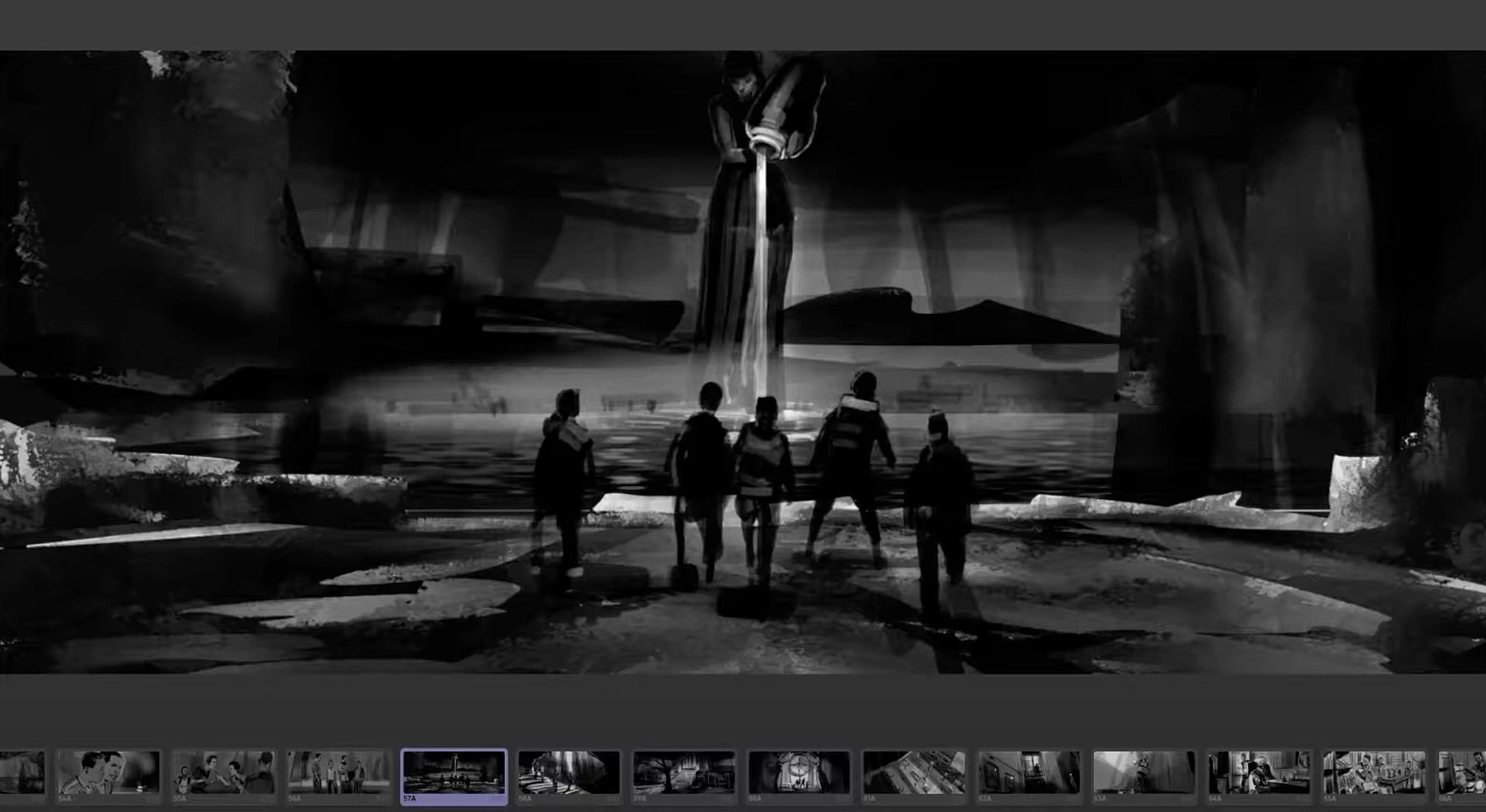
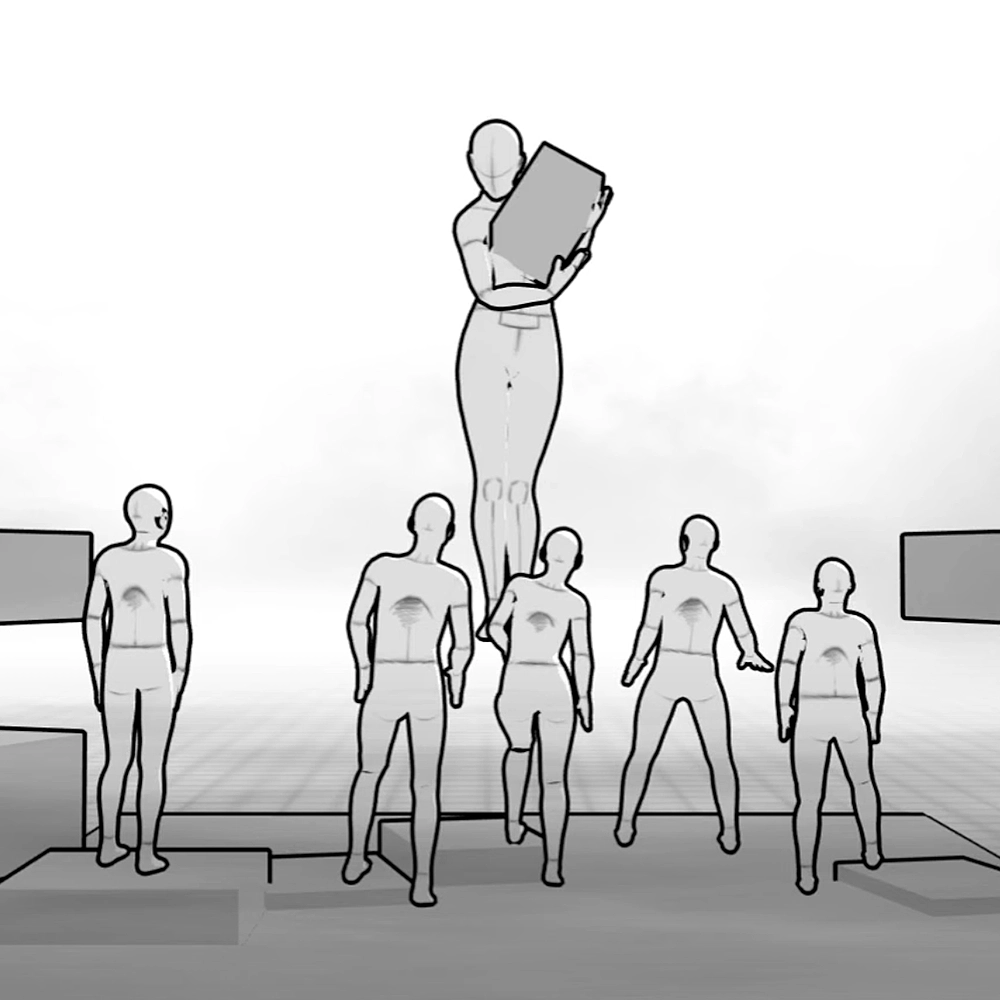
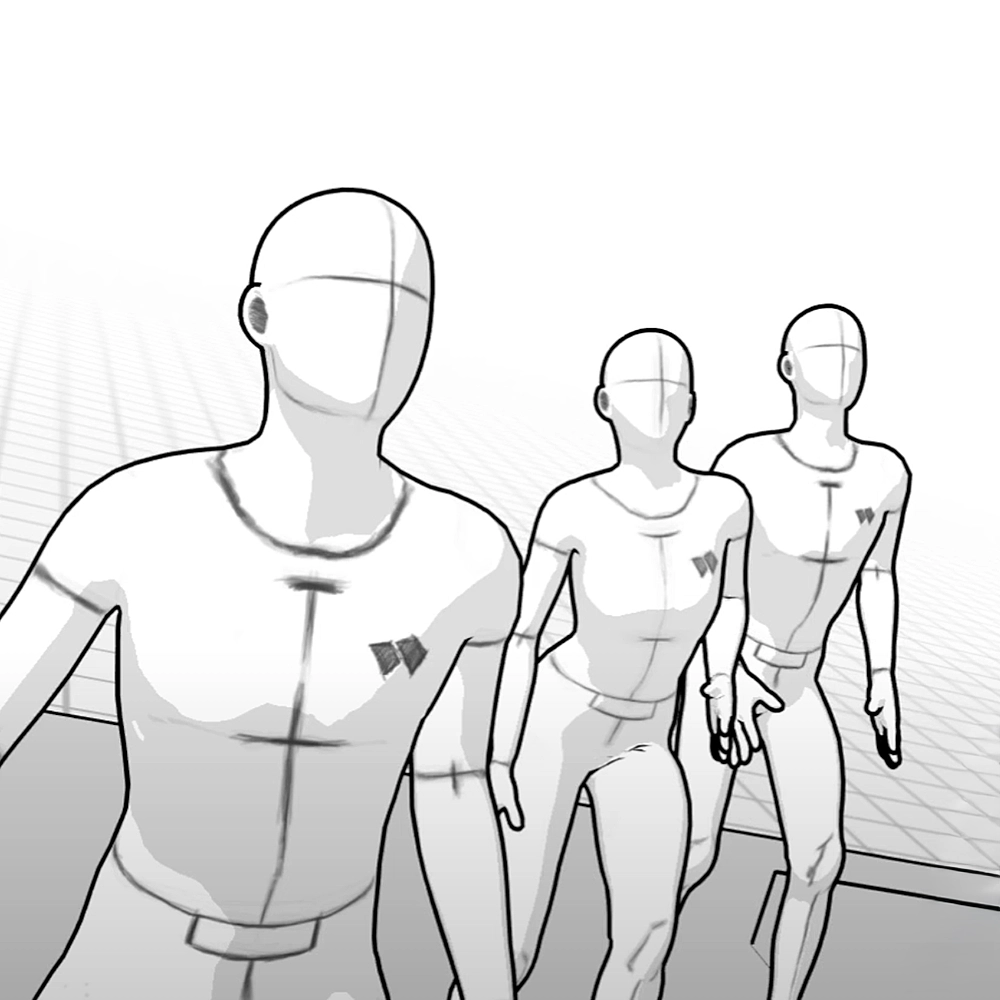
The tool set provide powerful foundation for not only creating storyboards but also for general visual planning and animation. All the essential functions for manipulating objects, adjusting lighting, textures, and scenes, along with the integration of a 3D editor, offer numerous possibilities for visually bringing ideas to life.
Particularly useful are features like the Raytracing Render Mode, which allows for realistic lighting and shadows, and the Drawing Mode based on Three.js, which enables working with 2D objects in a 3D space — opening up significant opportunities for creative projects. Additionally, the Layer System and tools for transforming objects allow for flexible and easy scene composition - core feature for creation webcomics.
Although it may overlap with other tools available on the market, it is designed to be more streamlined and focused on tailored comic creation. Originally, Storyboarder was developed by Charles Forman as an internal tool to support his own storytelling and film development needs. Its simplicity and efficiency made it ideal not only for personal use but also for a wider audience of creators. Charles Forman, the founder of Wonder Unit and creator of Storyboarder, actively shares updates and feature walkthroughs on his YouTube channel. Through video content, he showcases how creators can take full advantage of the platform’s evolving toolset. In his blog, Charles emphasizes that his mission goes beyond building a product: it’s about cultivating and supporting a creative community — especially young people — by providing free and accessible tools that empower anyone to bring their stories to life.
More similar cases